CPU & Memory Settings
Define the processing power and memory allocation for your virtual machine.
📸 Screenshot:
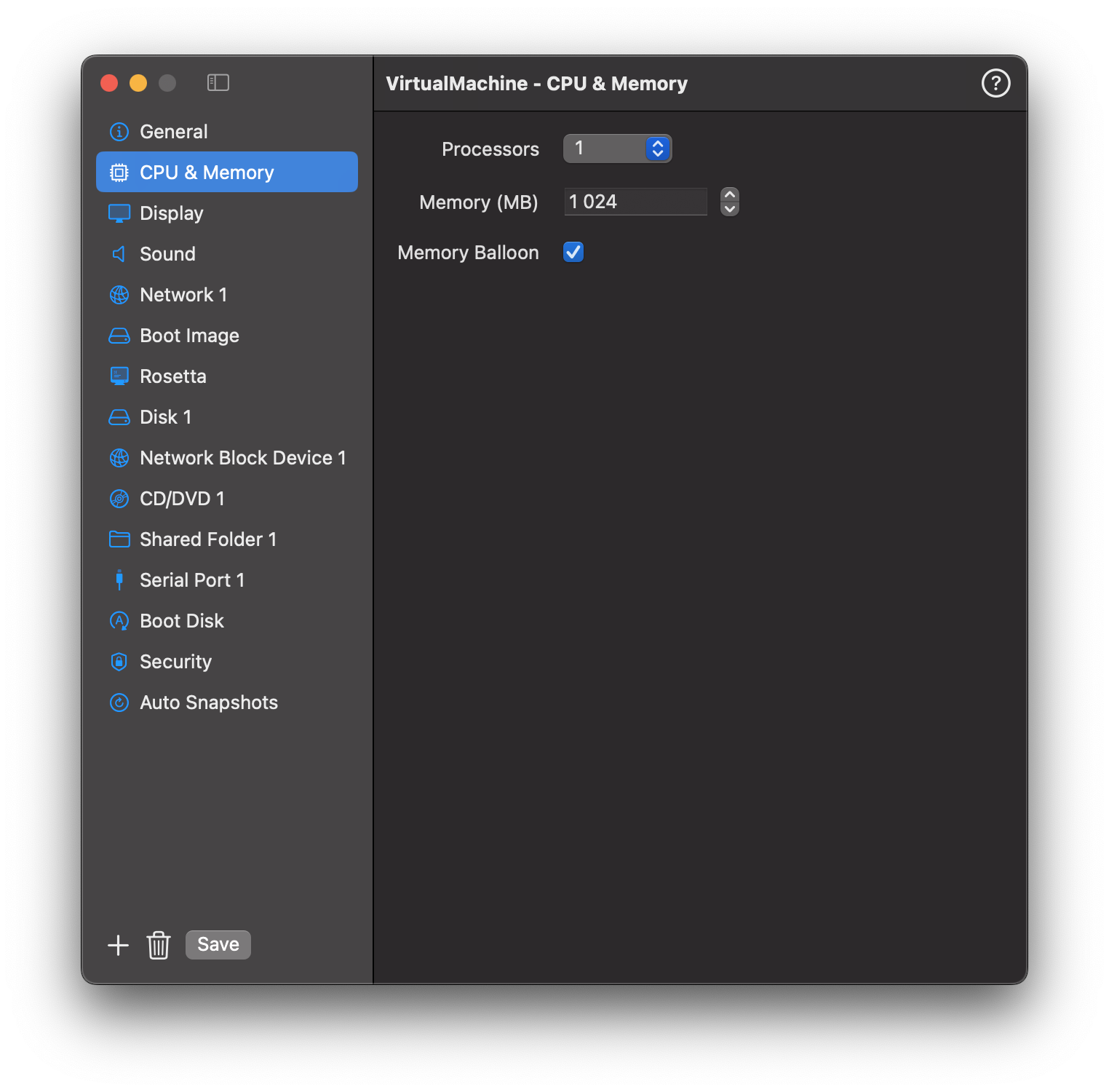
Fields
| Field | Description |
|---|---|
| CPU Cores | Number of virtual CPUs to assign. |
| Memory (MB) | RAM size in megabytes. |
| Enable Ballooning | Dynamically adjust guest memory usage based on demand (Linux only). |
Guidance
How many CPU cores should I assign?
A good rule of thumb is to assign half the physical cores on your Mac. For example, on an M2 with 8 performance cores, assigning 4 cores to a VM leaves enough headroom for macOS and other apps to stay responsive.
Assigning too many cores does not speed up the VM — it can actually slow it down by competing with the host for CPU time.
How much memory should I assign?
| Guest OS | Minimum | Recommended |
|---|---|---|
| macOS | 4096 MB | 8192 MB or more |
| Linux (GUI) | 2048 MB | 4096 MB |
| Linux (headless) | 512 MB | 1024–2048 MB |
Leave at least 4 GB free for macOS itself. On a 16 GB Mac, assigning more than 10–12 GB to a VM may cause the host to swap.
What is Memory Ballooning?
Memory Ballooning (Linux only) allows the VM to return unused memory to the host dynamically. When the guest OS is idle, it releases memory back to macOS — useful when running multiple VMs simultaneously. It has no effect on macOS guests.