General Settings
This section defines the basic identity and display attributes of the virtual machine.
📸 Screenshot:
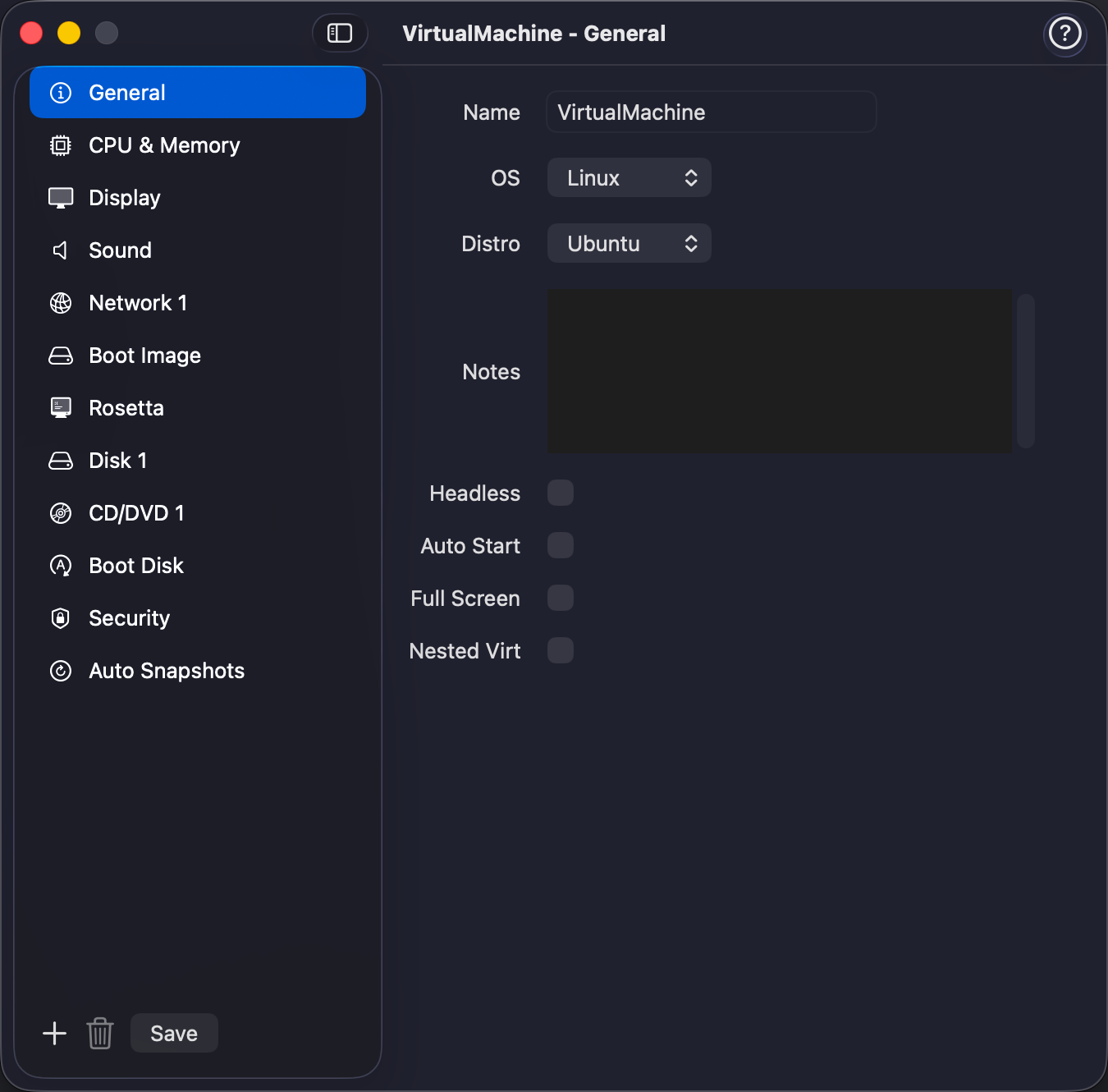
Fields
| Field | Description |
|---|---|
| Name | The name of the virtual machine. Click on the 🔄 button to generate a unique name |
| Description | Optional description to help you identify the VM. |
| Operating System | Choose between Linux or macOS. |
| Distro/Version | Choose Linux distro or macOS version. |
| Headless Mode | Run the VM without a graphical display. |
| Fullscreen on Boot | Start in fullscreen when booted. |
| Enable Nested Virtualization | Allow running VMs inside the VM (Linux guests on M3 onwards, useful for testing hypervisors). |
| Entropy | (Linux only) Attaches a VirtIO entropy device to the guest, providing a source of randomness for the Linux kernel. Keep this enabled — Linux guests rely on it for cryptographic operations, key generation, UUID creation, and services like SSH. Disabling it can cause entropy starvation, leading to slow boot times or operations that stall waiting for random data. |
| Icon | Set a custom icon image for the VM. Click Set Icon… to pick any image from your Mac (PNG, JPEG, HEIC, etc.) — it will be resized to 256×256 and saved as icon.png inside the VM bundle. Click Reset to remove the custom icon and revert to the default OS icon. The custom icon appears in the VM list, card view, Snapshots view, and Disk Analyzer. |
Tip: Startup behavior, sleep and shutdown actions, and auto-pause are configured in the Startup & Shutdown section.