Security
Enable or disable guest access to system features.
📸 Screenshot:
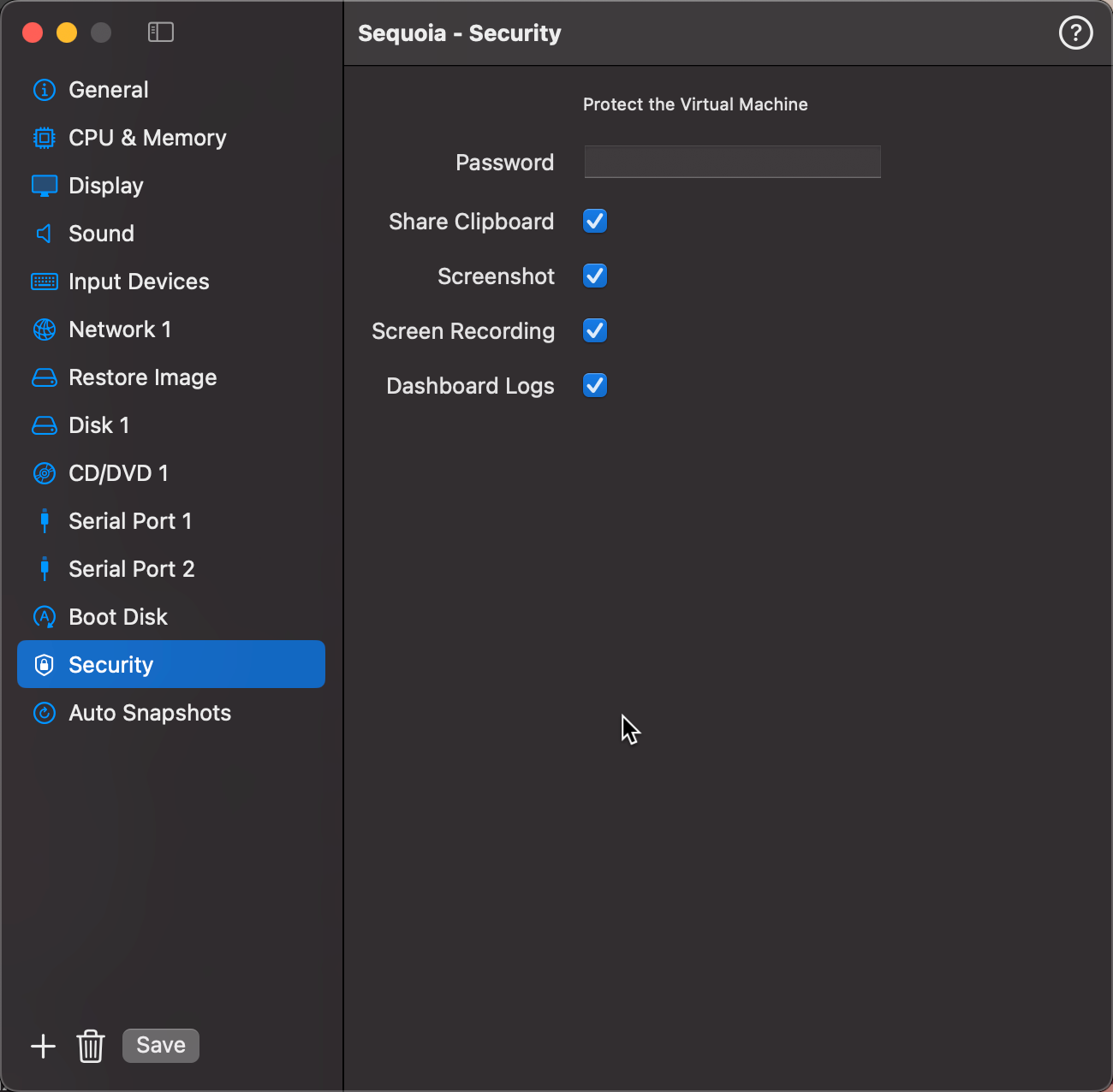
Fields
| Field | Description |
|---|---|
| Password | Lock the virtual machine with a password. When set, VirtualProg prompts for the password (or Touch ID) before starting or opening the VM. |
| Share Clipboard | Allow copy and paste between the guest and the host Mac. |
| Screenshots | Allow screenshots of the guest display. |
| Screen Recording | Allow screen recording of the guest display. |
| Dashboard Logs | Log usage statistics for this VM. Required for session history and uptime tracking in the Dashboard. |
Tip: Auto Pause is configured in the Startup & Shutdown section.
Password & Touch ID
When a password is set, VirtualProg will prompt for authentication before the VM can be started or its window opened. Touch ID is supported — the biometric prompt appears automatically, with the password field as a fallback.
To remove the password, clear the password field and save the configuration.