Auto Snapshots
Automatically create snapshots of your VM on a schedule or at key lifecycle events.
📸 Screenshot:
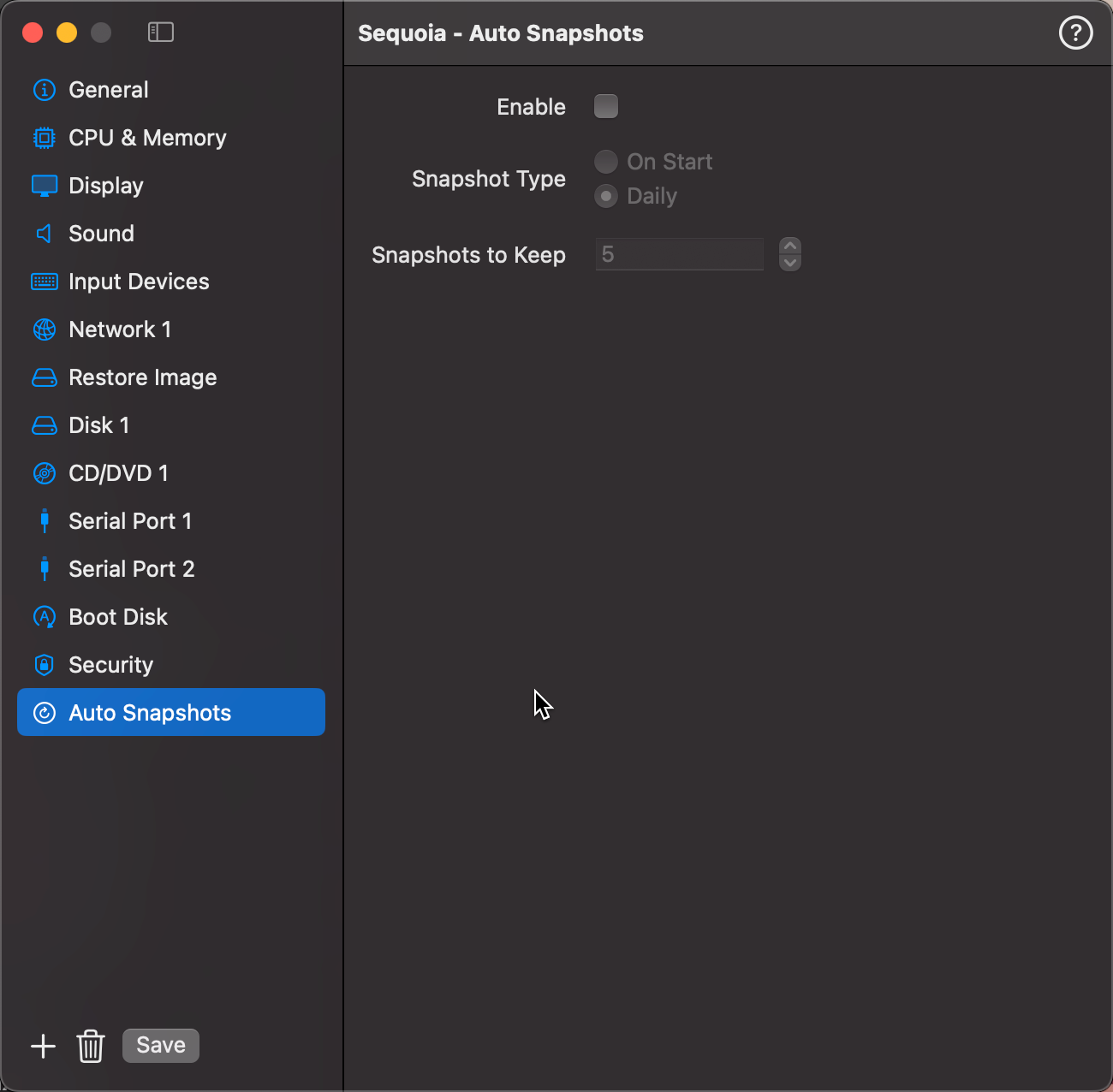
Fields
| Field | Description |
|---|---|
| Enable | Turn auto-snapshotting on or off for this VM. |
| Prefix | Text prefix added to the start of every auto-snapshot name (e.g. auto, backup). Helps distinguish automatic snapshots from manual ones in the Snapshots list. |
| Frequency | When to create the snapshot — On Start, Daily, Weekly, Monthly, or On Shutdown. |
| Retention | Maximum number of auto-snapshots to keep. When the limit is reached, the oldest auto-snapshot is deleted automatically before a new one is created. |
Frequency Options
| Option | When it runs |
|---|---|
| On Start | Every time the VM starts |
| Daily | Once per day when the VM is running |
| Weekly | Once per week when the VM is running |
| Monthly | Once per month when the VM is running |
| On Shutdown | Every time the VM shuts down or is stopped |
Retention Strategy
The Retention count controls how many auto-snapshots are kept at any time. Once the limit is reached, the oldest auto-snapshot (matching the configured prefix) is removed before creating the new one.
For example, with a prefix of auto and retention of 7, you will always have the last 7 auto-snapshots available as a rolling backup window.
Tip: Use a unique prefix for auto-snapshots so manual snapshots are never accidentally removed by the retention cleanup.
Safety Snapshot on Restore
When restoring any snapshot, you can opt to create a safety snapshot of the current VM state first. This gives you a rollback point in case the restore doesn't go as expected. The option appears in the restore confirmation dialog.