Clone Virtual Machine
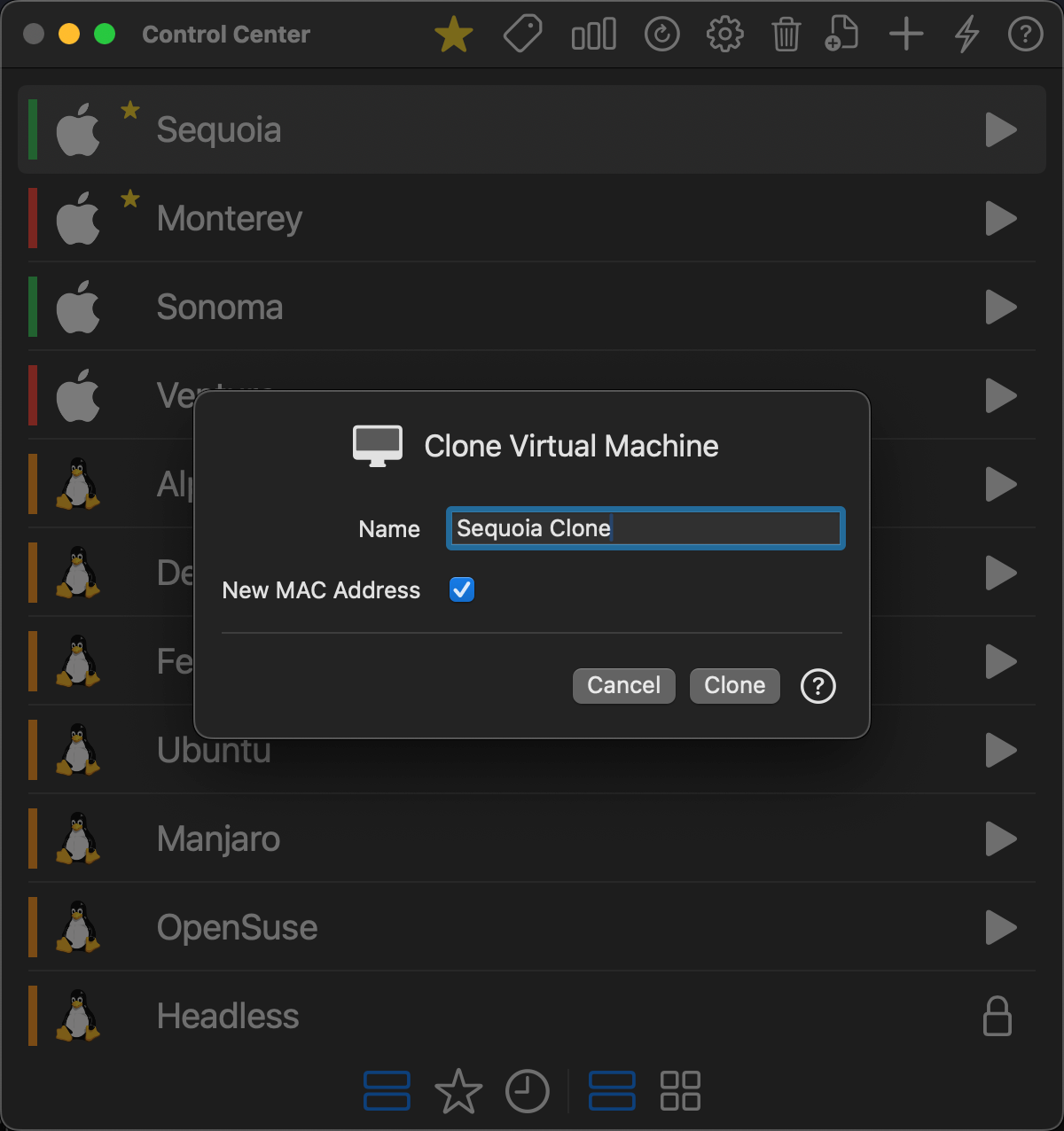
VirtualProg allows you to quickly clone an existing virtual machine, creating an exact duplicate that can be renamed and optionally assigned a new MAC address.
📸 Screenshot:
🧭 How to Access
You can open the Clone Virtual Machine dialog by:
- Right-clicking a virtual machine in the Control Center
- Selecting Clone from the context menu
🖥 Dialog Options
Name
Specify the name of the new cloned virtual machine. This name determines the directory and display name in the Control Center. Click on the 🔄 button to generate a unique name.
New MAC Address
This checkbox (enabled by default) generates a new MAC address for the cloned VM’s network interface.
Uncheck it if you want to preserve the MAC address of the original virtual machine.
💡 Notes
- The cloned VM will include all configuration and disk content from the source.
- You can modify the clone’s configuration after creation by selecting Configuration from the Control Center.
✅ Cloning is useful for testing, development environments, or backing up a working configuration.