📸 Snapshots
A snapshot is a full copy of a VM's state that you can restore later. Open a VM's details and tap Snapshots.
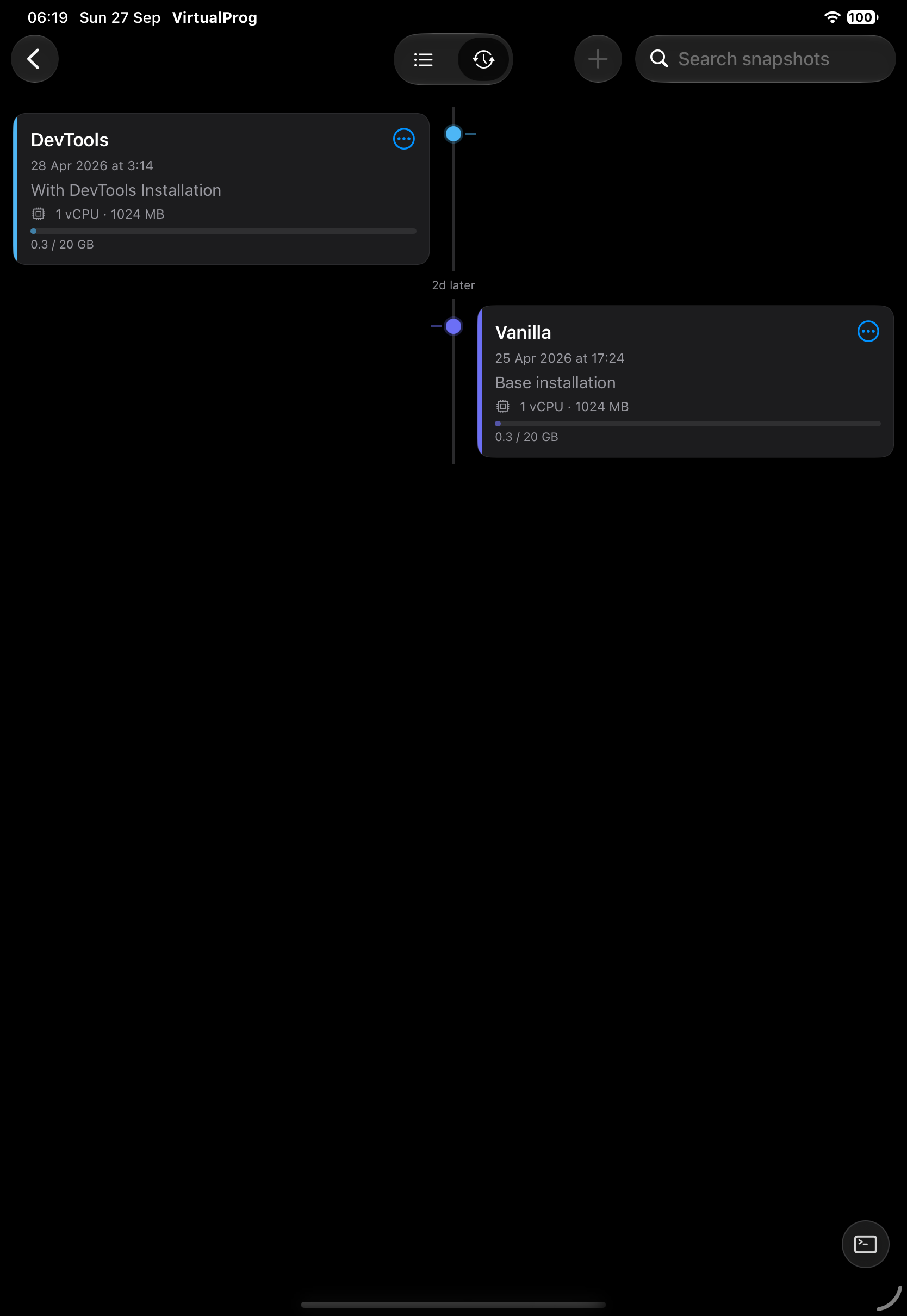
List and Timeline
Switch between List and Timeline with the control at the top.
- List — name, notes, date and an Auto badge for automatic snapshots.
- Timeline — newest first, with the time between snapshots, notes, CPU and memory, and a disk usage bar that turns red when nearly full. On a wide iPad the cards alternate either side of the timeline.
Take a Snapshot
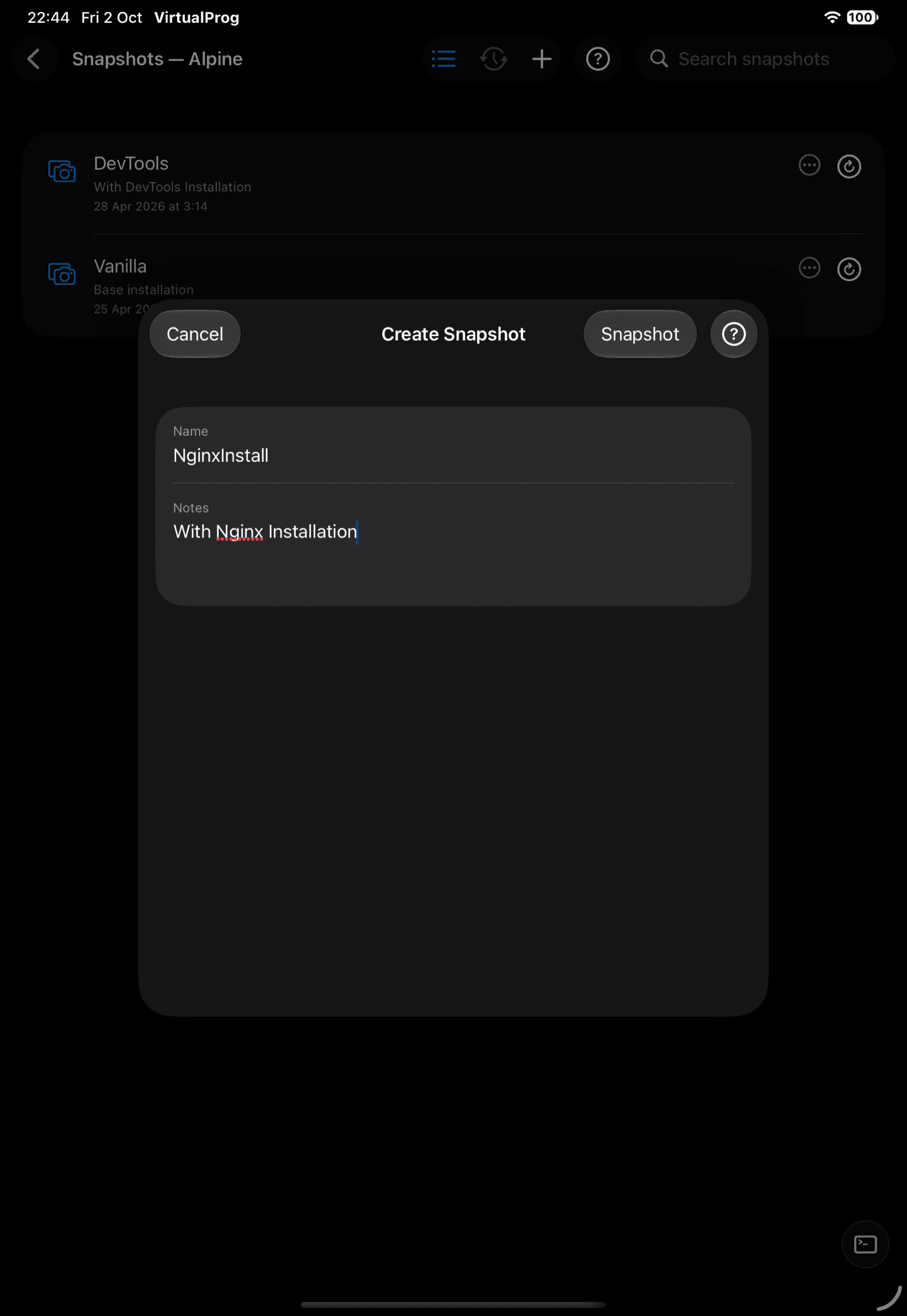
Tap +, enter a name and optional notes. The VM must be stopped.
Snapshot Actions
| Action | Description |
|---|---|
| Restore | Returns the VM to this snapshot (VM must be stopped) — offers to take a Safety Snapshot of the current state first, in case you need to undo the restore |
| Edit | Rename or change the notes |
| Configure | View the configuration the snapshot holds |
| Create VirtualMachine | Makes a new, independent VM from the snapshot |
| Create Template | Makes a template from the snapshot |
| Delete | Removes the snapshot |
Tap a row's ••• button, or swipe it, for these actions. Some actions are hidden if your token doesn't allow them.
Note: Automatic snapshots are scheduled on the Mac. See Auto Snapshots.
⭐ Favorites, Tag Colors & Groups
Snapshots support the same favorite star, tag color, and grouping as the VM list — tap the star for Favorites; use a snapshot's ••• button for Tag Color and Assign to Group…. Unlike VM and template groups, a snapshot's group only buckets this VM's own snapshots — it has no effect on any other VM's snapshots. Disabling a setting in Mac Settings hides its controls without clearing saved values.