🌳 Linked Clone Topology
A family-tree diagram of every linked clone and the VM it forked from. Needs a macOS 27+ Mac. Open More → Library → Linked Clones (iPad: Library → Linked Clones).
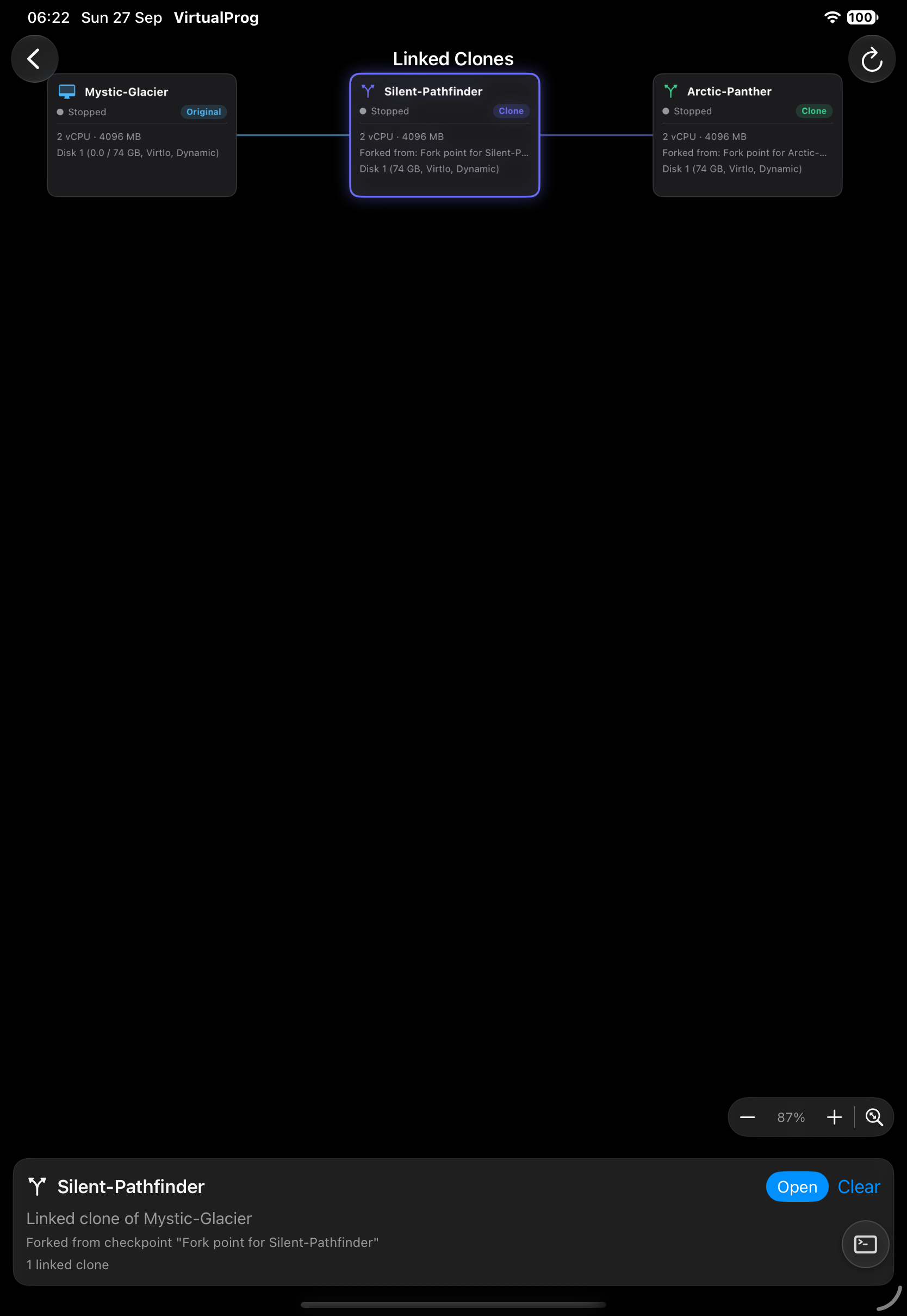
Each generation is a column, and every VM shows its state, CPU, memory and the checkpoint it forked from.
- Tap a VM to highlight its parent and children; tap it again or the background to clear.
- Pinch to zoom, drag to pan, or use the + / − buttons; the fit button restores the default view.
- Open in the bottom card goes to the VM's details.
- On iPad (Android has no separate windows), tap the window button in the toolbar to open this diagram in its own window.