🛡️ Two-Factor Authentication
Open More → Security → Two-Factor Auth to protect your token's sign-in with a 6-digit code from an authenticator app.
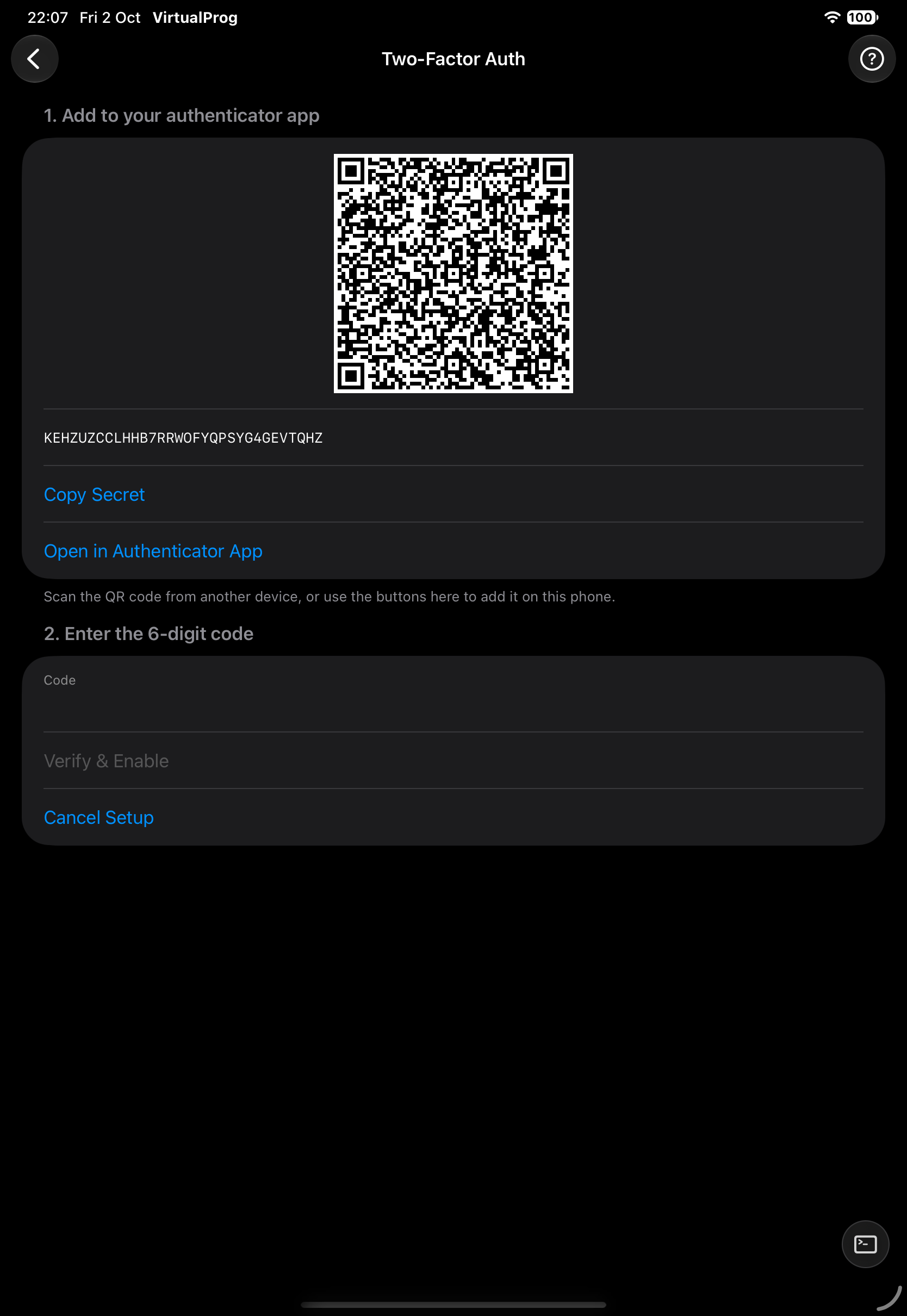
- Tap Set Up 2FA
- Scan the QR code, or tap Copy Secret or Open in Authenticator App
- Enter the 6-digit code to enable it
- Save your recovery codes — each works once
Once enabled, the app asks for a code when it connects. You can Regenerate Recovery Codes or Disable 2FA at any time. A recovery code can be typed in place of the 6-digit code.
Note: 2FA is checked once, at sign-in — it doesn't apply to every request after that, which is why reconnecting (or switching servers and back) asks for a code again, but using the app in between does not.