📄 Templates
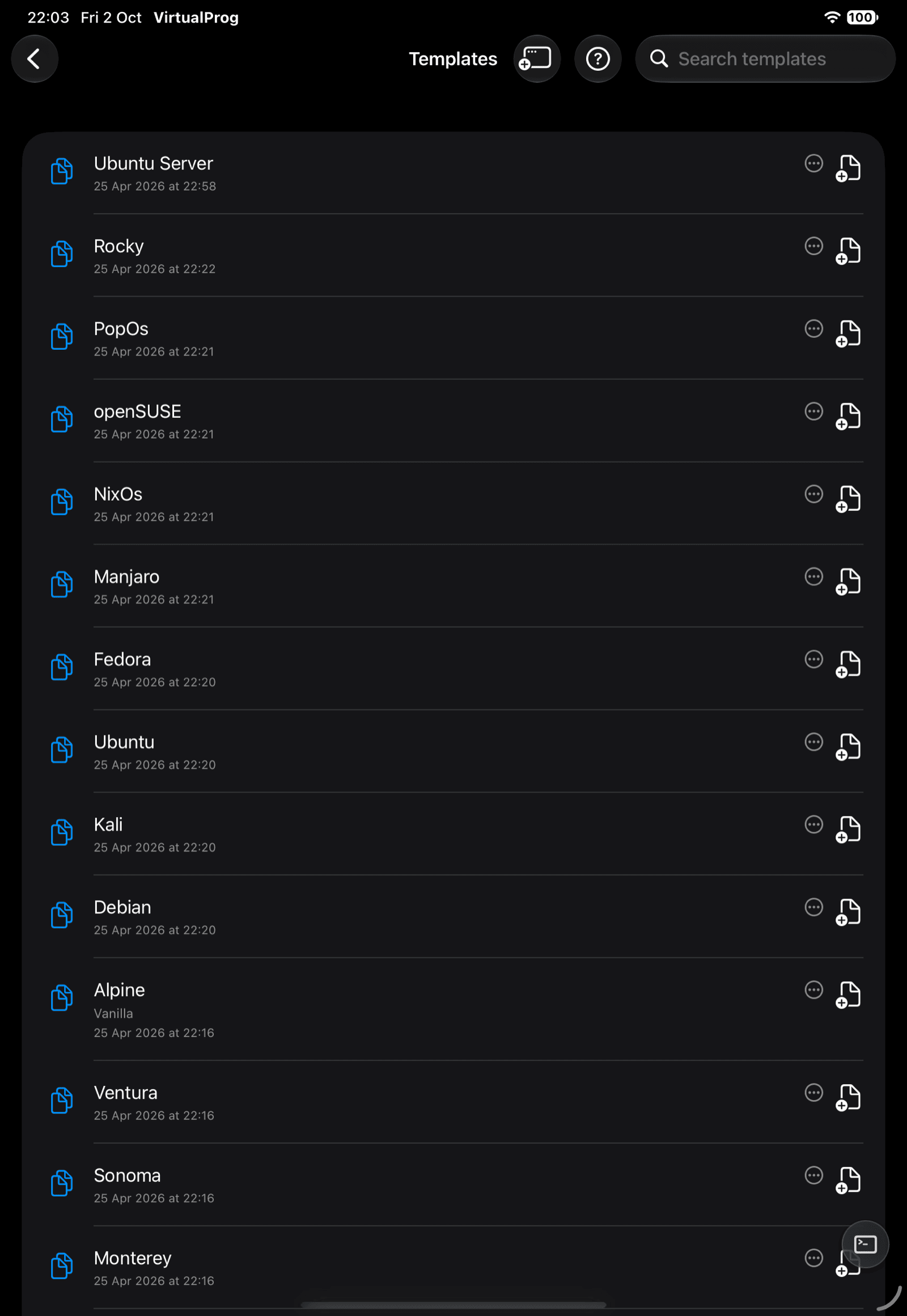
Templates are reusable starting points: configure a VM once, then create new VMs from it. Open More → Library → Templates (iPad: Library → Templates).
➕ Create a Template
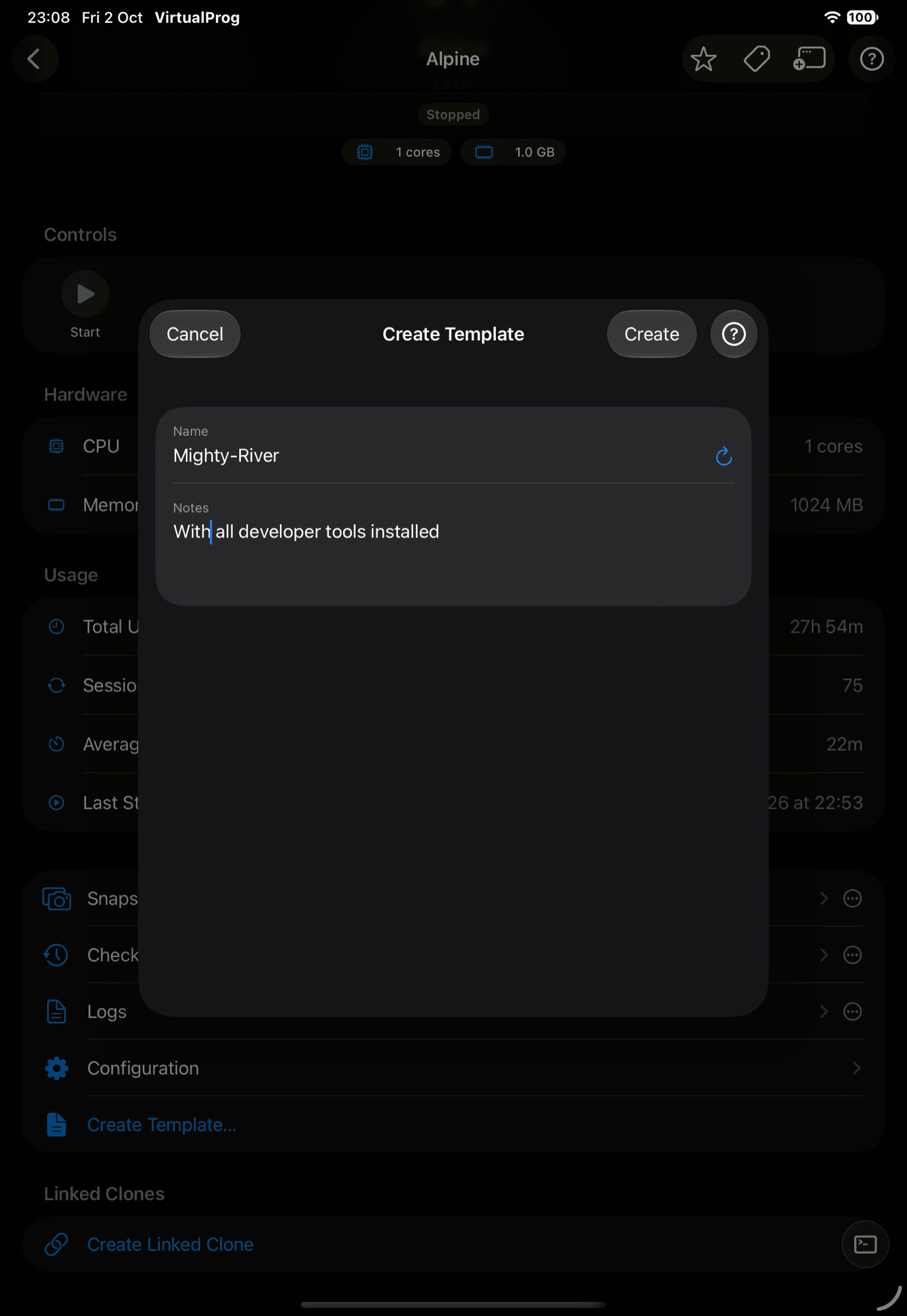
Templates are made from an existing stopped VM:
- In a VM's details, tap Create Template
- From a snapshot, choose Create Template
Enter a name and optional notes — a unique name is suggested for you.
🗂️ Use a Template
| Action | How |
|---|---|
| Create a VM | Tap the create button on a template, then name the new VM |
| Edit | Change the template's name and notes |
| Clone | Duplicate the template |
| Configure | Open the Advanced Configuration editor |
| Delete | Remove the template |
Swipe a template, or tap its ••• button, for the actions. Templates need the Templates permission on scoped tokens — see Access Tokens.
⭐ Favorites, Tag Colors & Groups
Templates support the same favorite star, tag color, and grouping as the VM list — tap the star for Favorites; use a template's ••• button for Tag Color and Assign to Group…. Group headers show a rename pencil when you have full VM access. Disabling a setting in Mac Settings hides its controls without clearing saved values.
🪟 Open in Window (iPad)
Tap the window button in Templates' own toolbar to open it in its own window, alongside whatever else you're working on.