🔐 Security
Three layers protect your VMs: tokens decide what the app may do, two-factor authentication protects sign-in, and an optional app lock protects the app on the device.
| Token | Access |
|---|---|
| Master token | Everything, including managing tokens |
| Scoped — Admin | Configure and manage the VMs it covers. With access to all VMs it can also create and clone VMs, and use templates, networks and images if those permissions are granted |
| Scoped — Operator | View and control the VMs it covers (start, stop, screen, console). It can't change configuration, take snapshots, rename or delete |
The app hides screens and actions your token doesn't allow. See Access Tokens to manage them and Two-Factor Authentication to protect sign-in.
🔒 App Lock
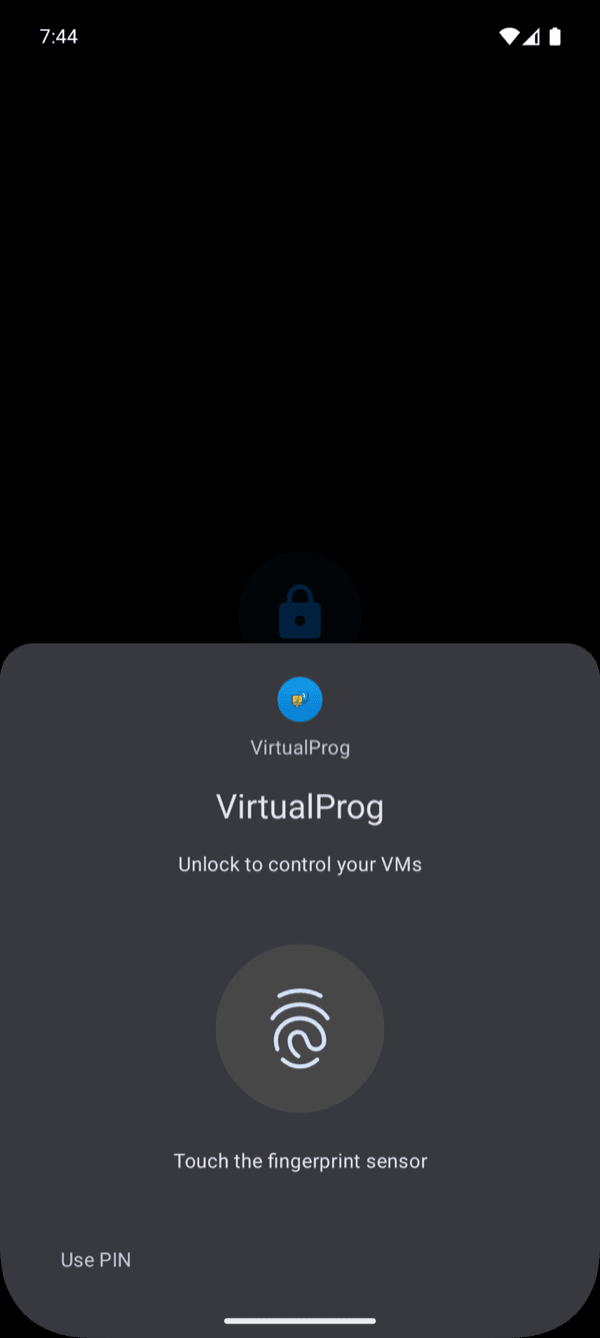
Turn on Require Face ID / Touch ID in Settings. The app then asks for Face ID, Touch ID or your device passcode when it opens and after a minute in the background. It is off by default. Changing the setting requires authentication.
Turn on Require biometrics / device lock in Settings. The app then asks for your fingerprint, face unlock or your screen lock (PIN, pattern or password) when it opens and after a minute in the background. It is off by default. Changing the setting requires authentication.