🔐 SSH Terminal
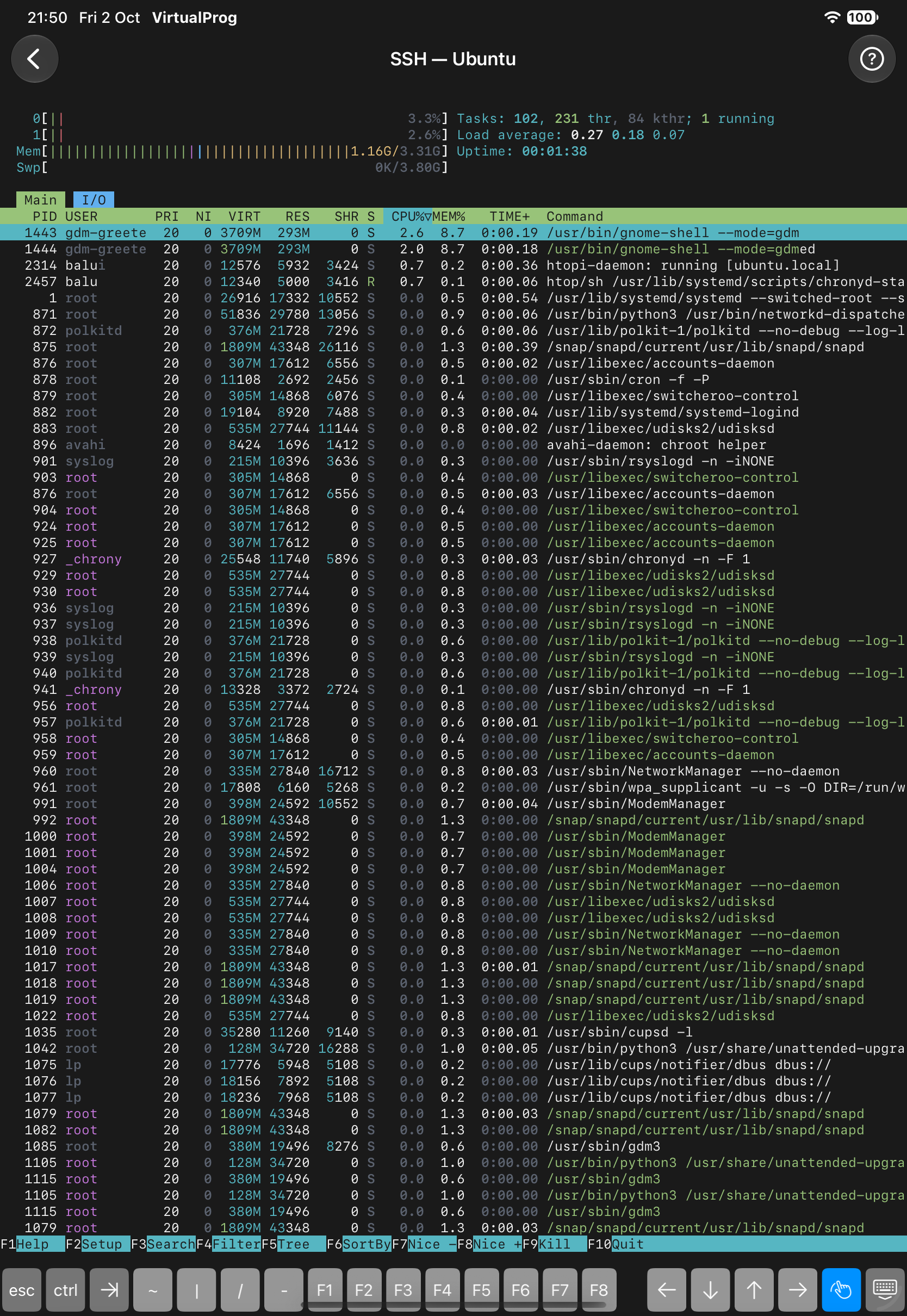
Tap SSH Terminal in a running VM's details for a full SSH session — no serial port needed.
| Field | Description |
|---|---|
| Username | The account to sign in with |
| Authentication | Password or Private Key (paste it or import a key file) |
Credentials are sent encrypted and can be saved in the VM's SSH configuration. If the session drops, tap Reconnect — SSH sessions are never re-authenticated silently.
Note: Only Ed25519 and ECDSA private keys are supported — RSA keys are not. A pasted RSA key will fail to authenticate.